Freight brokerage, minus the busywork.
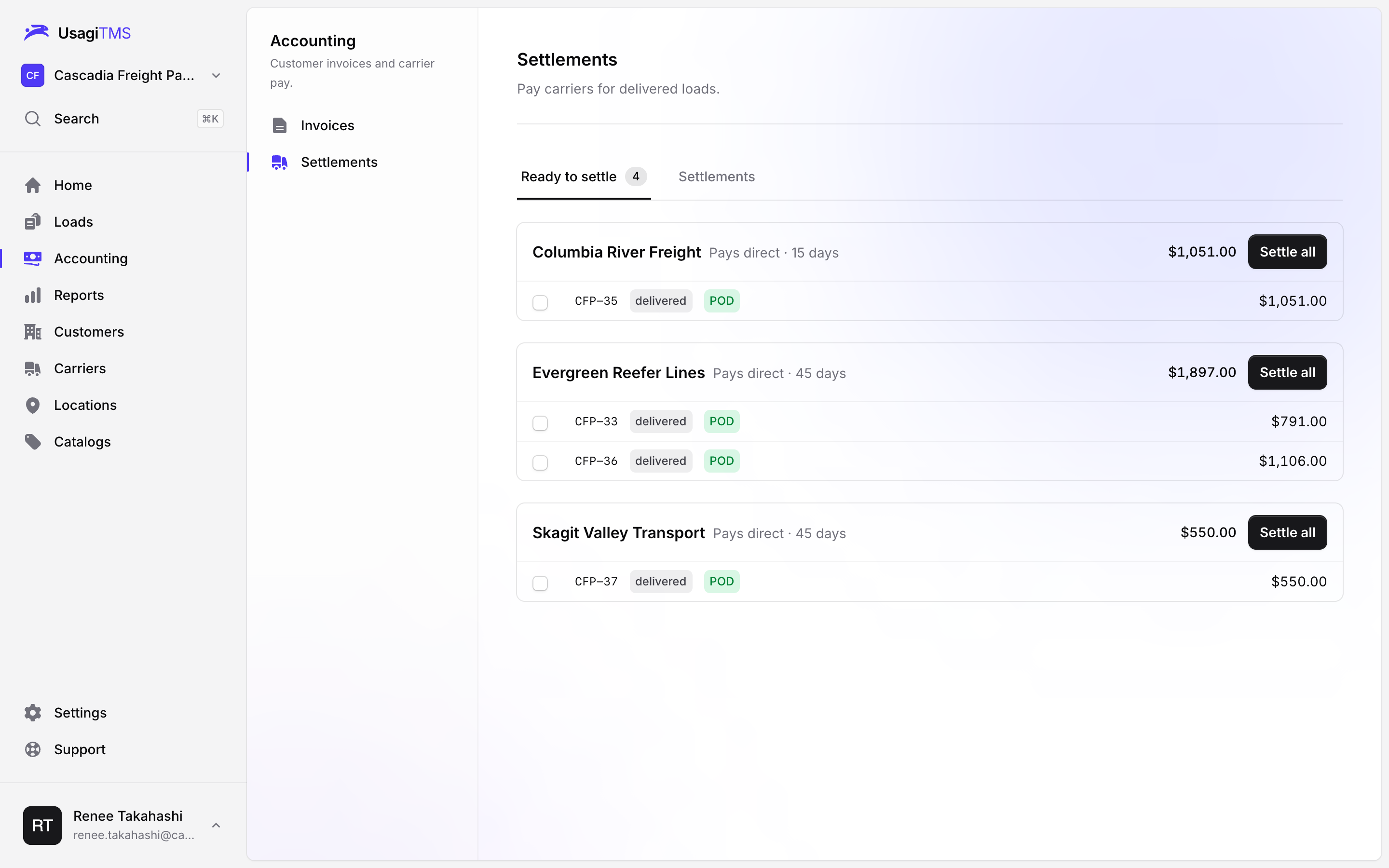
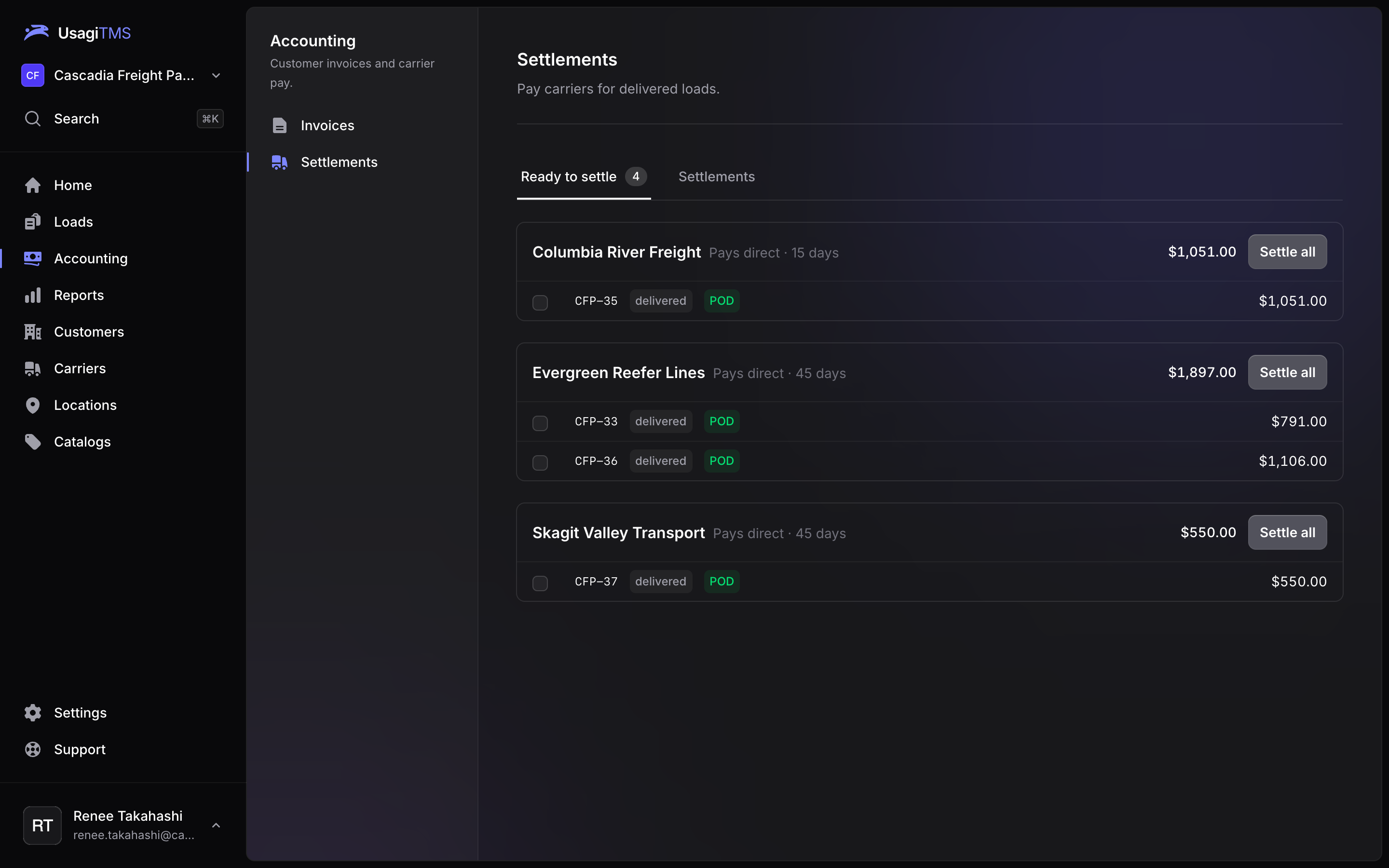
Book, cover, track, bill and settle every load in one fast, keyboard-friendly TMS, built for small and growing brokerages.
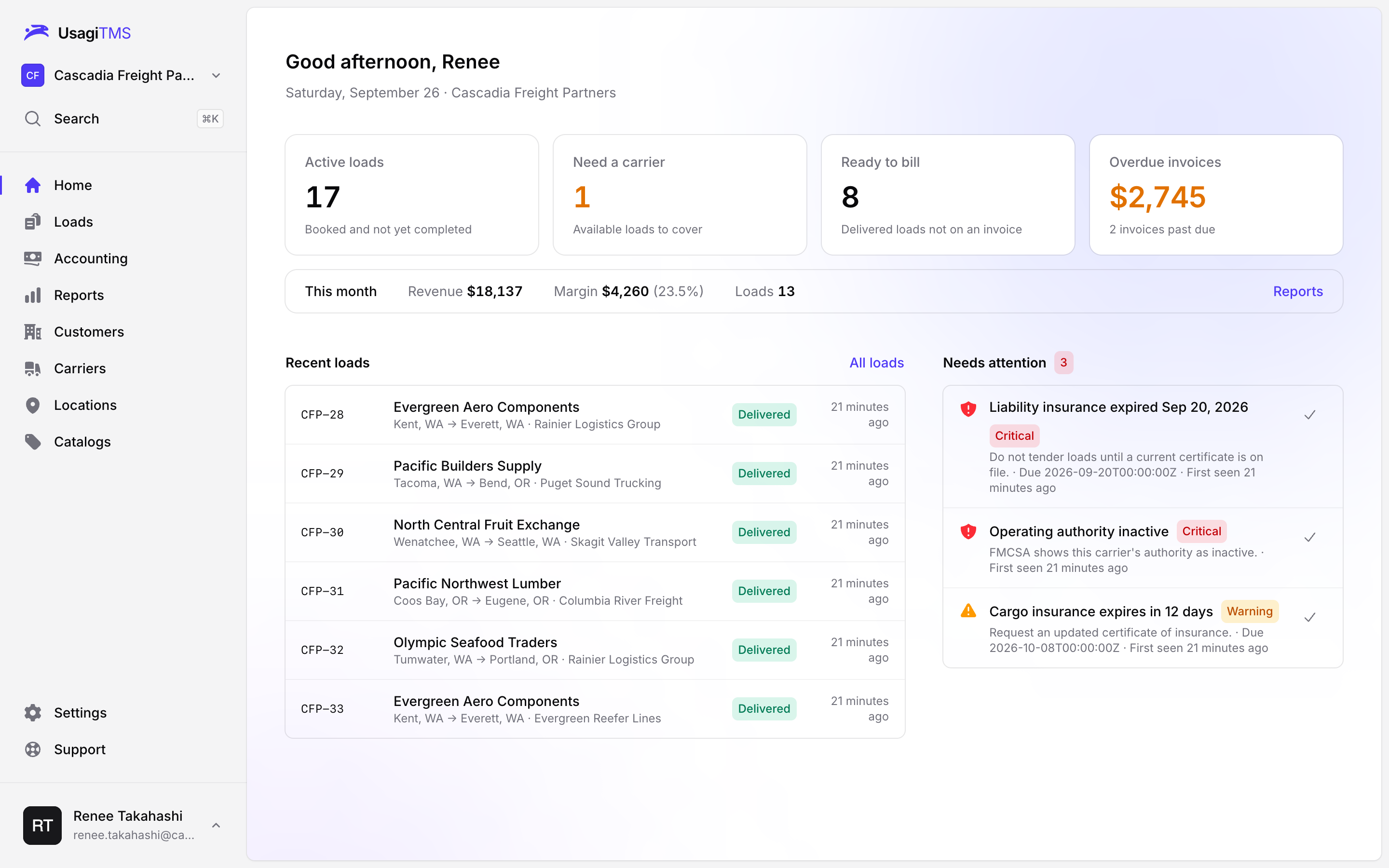
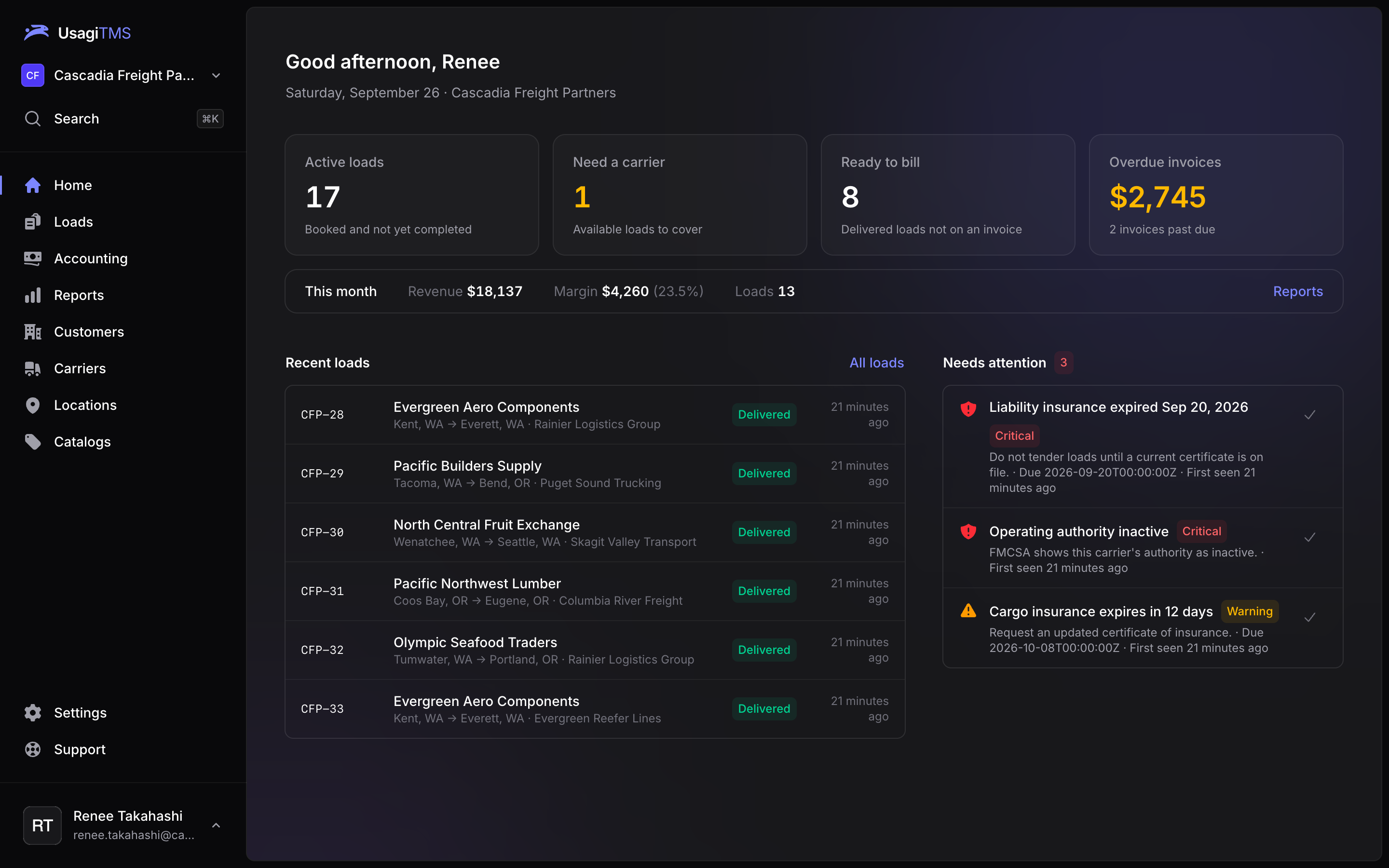
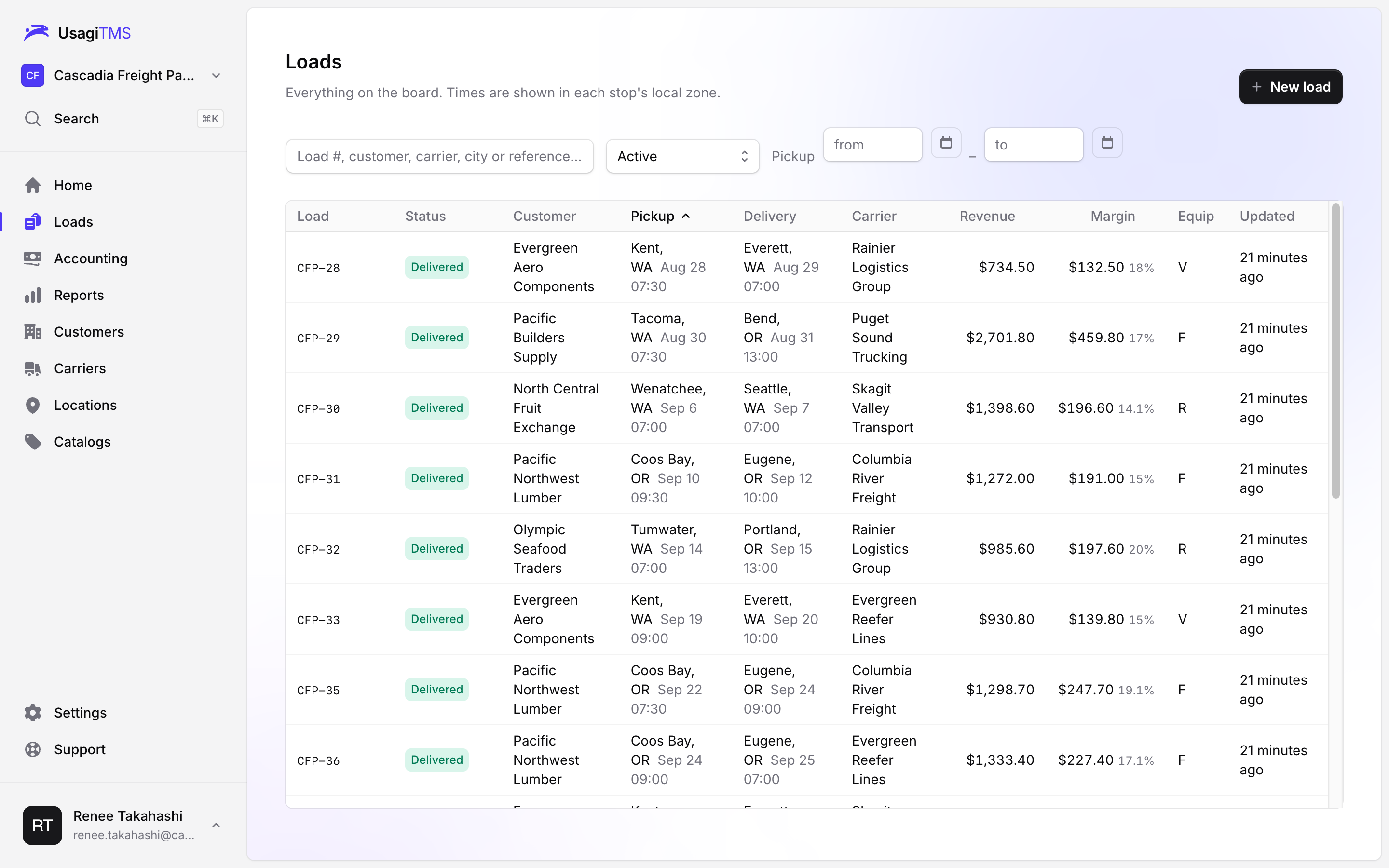
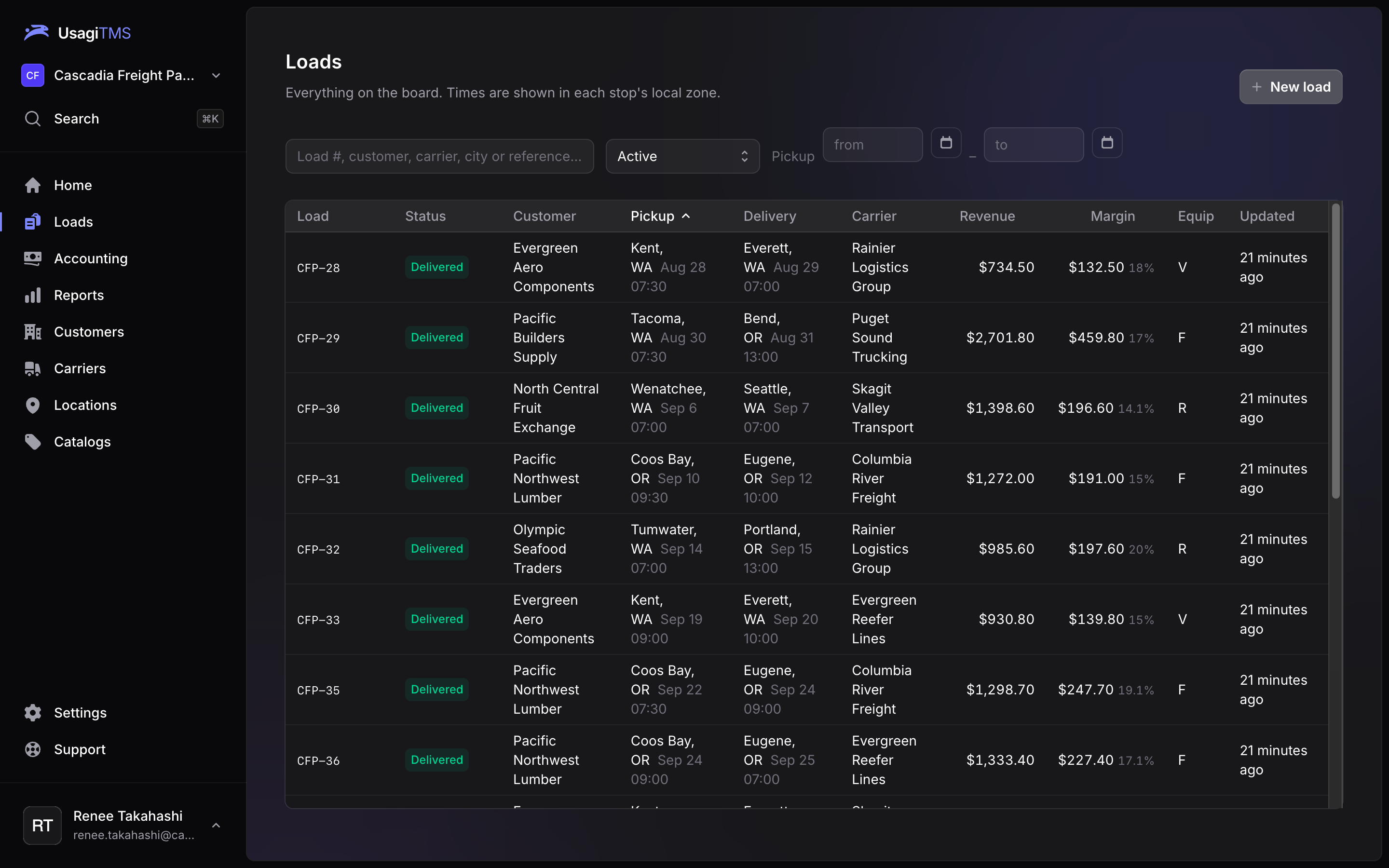
Every load, from quote to paid.
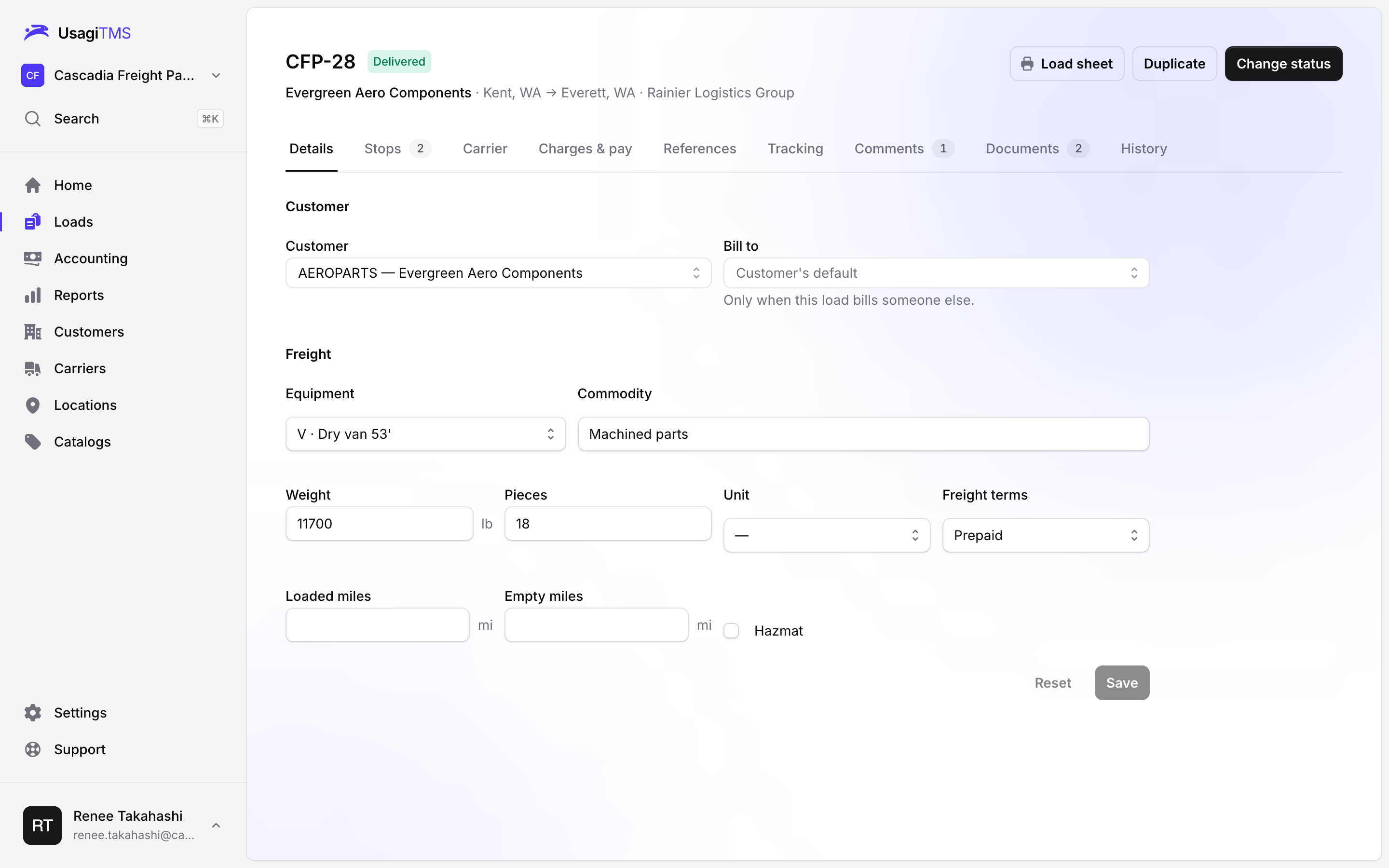
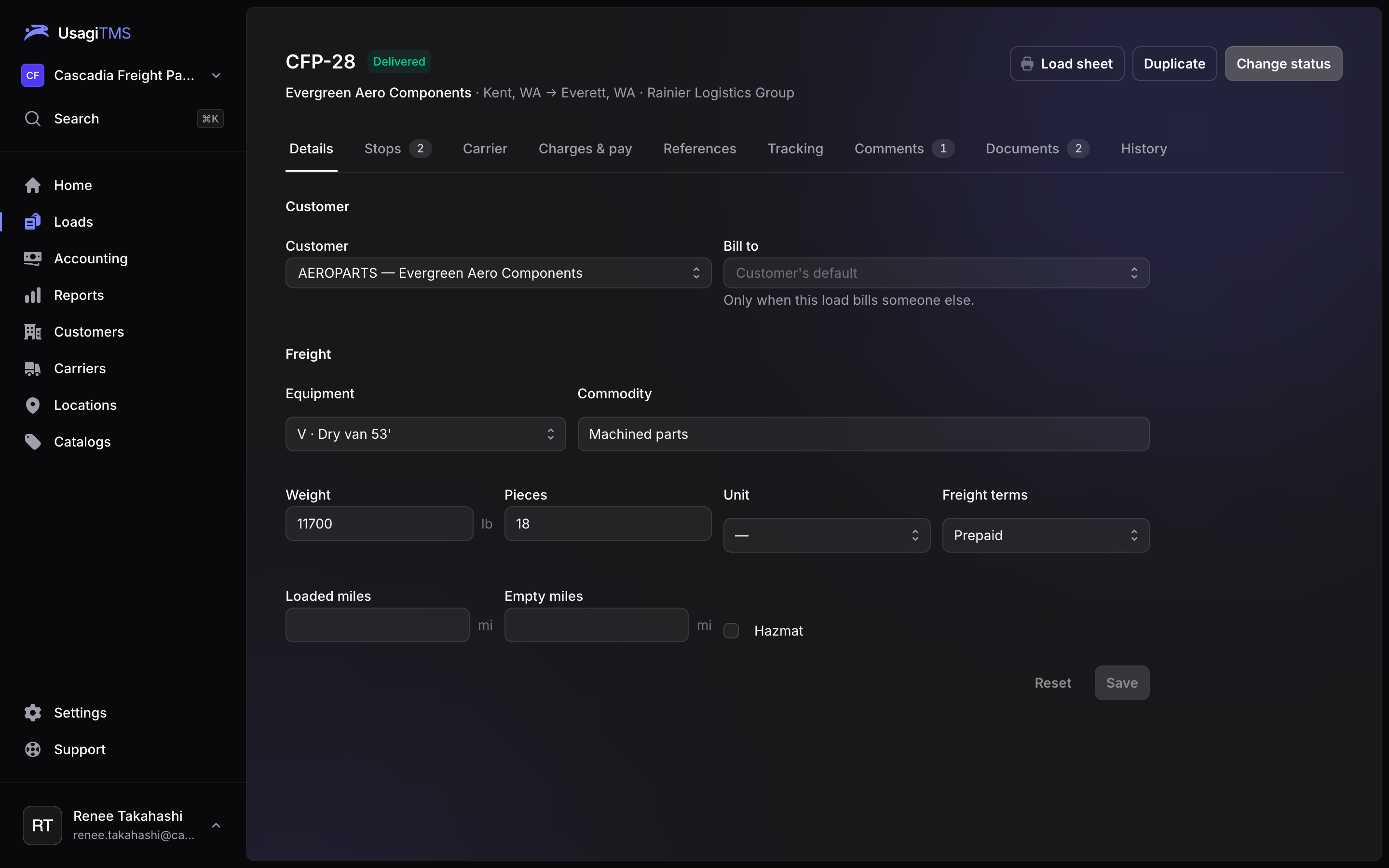
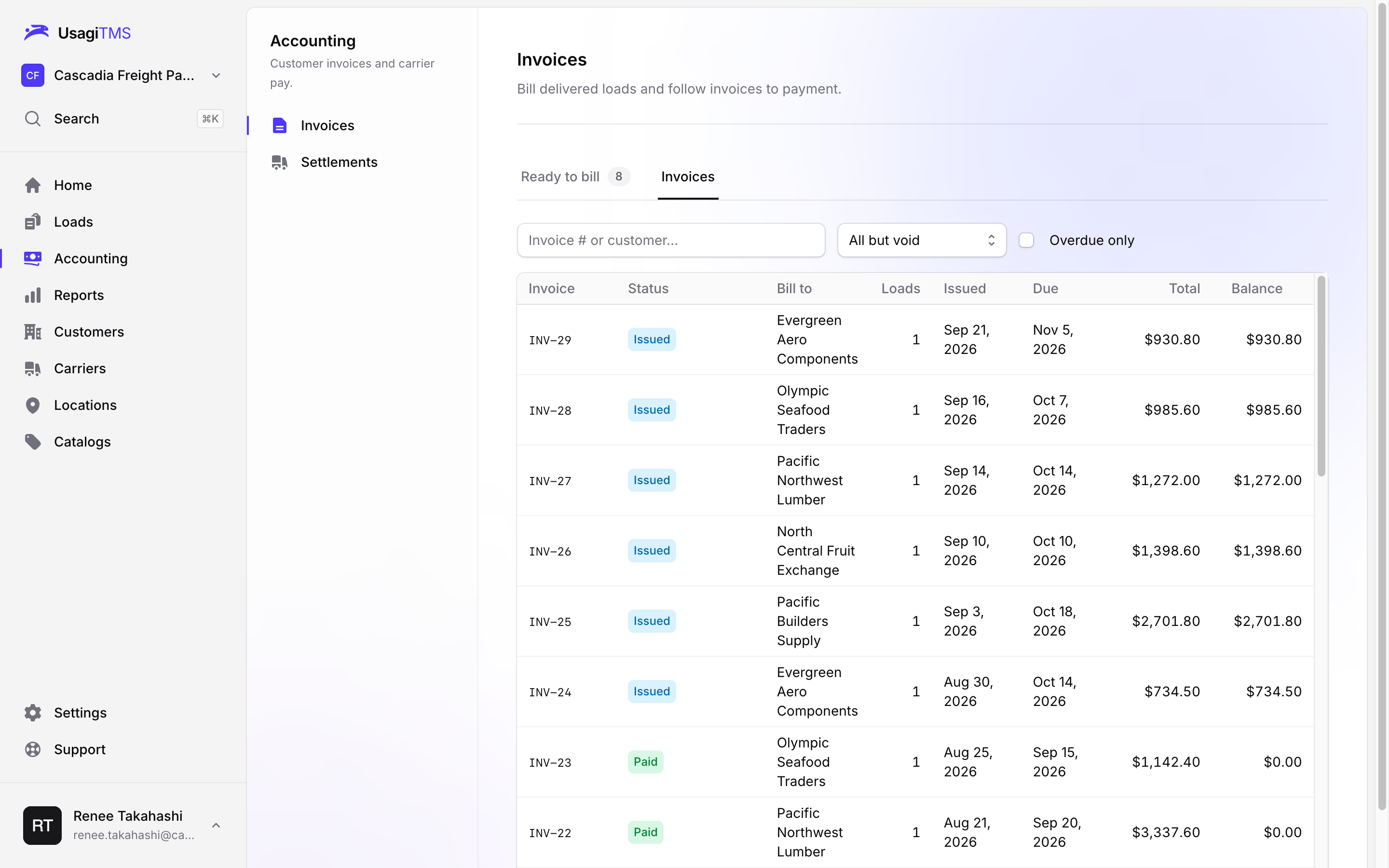
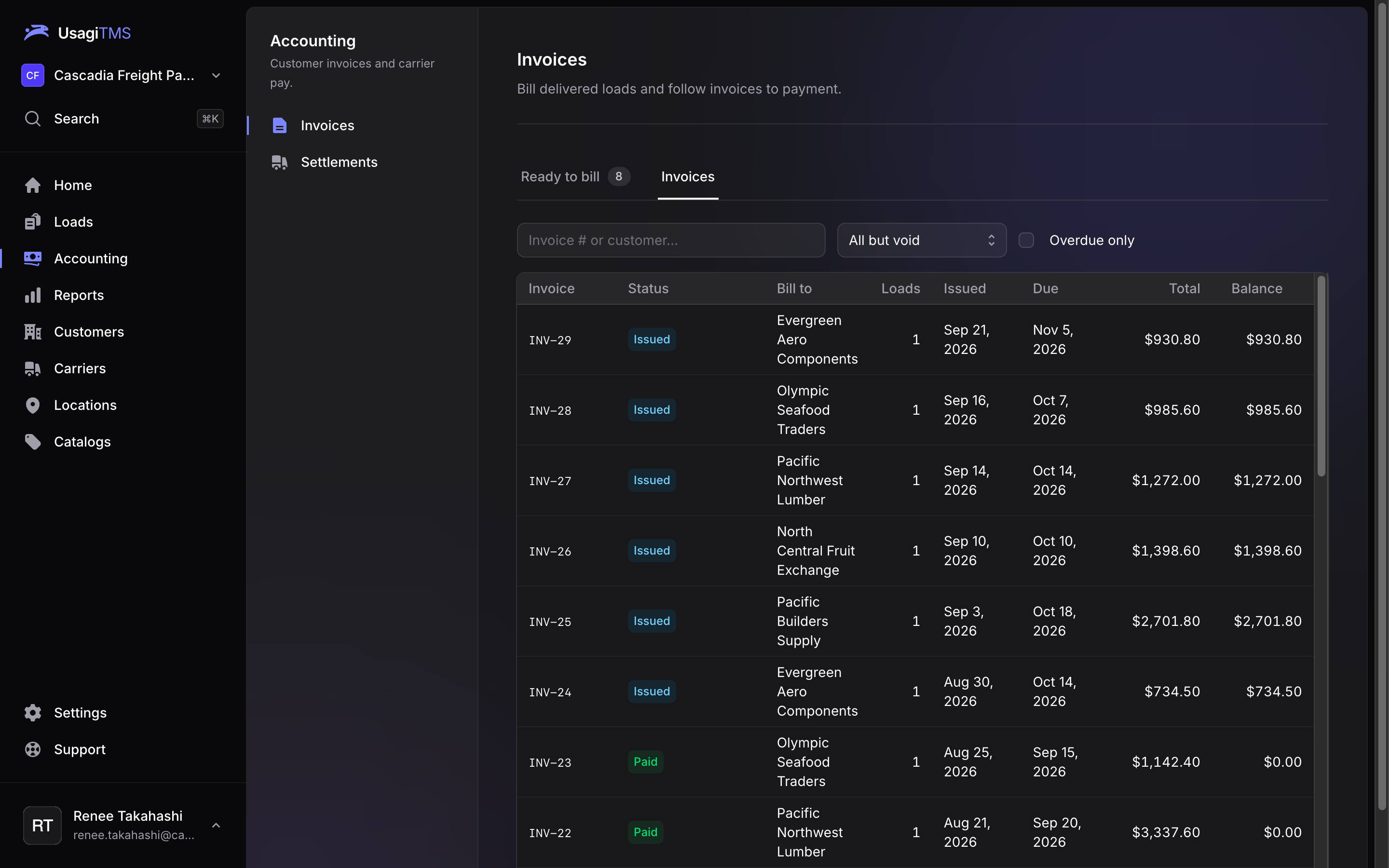
One place for the whole life of a load, so nothing lives in a spreadsheet or someone's inbox.
Quote, book and tender in minutes. Rate confirmations go out as PDFs, and carriers accept from their phone with one tap.
Built for how brokers actually work.
The things that eat your afternoon, handled in the background or a keystroke away.
Reports
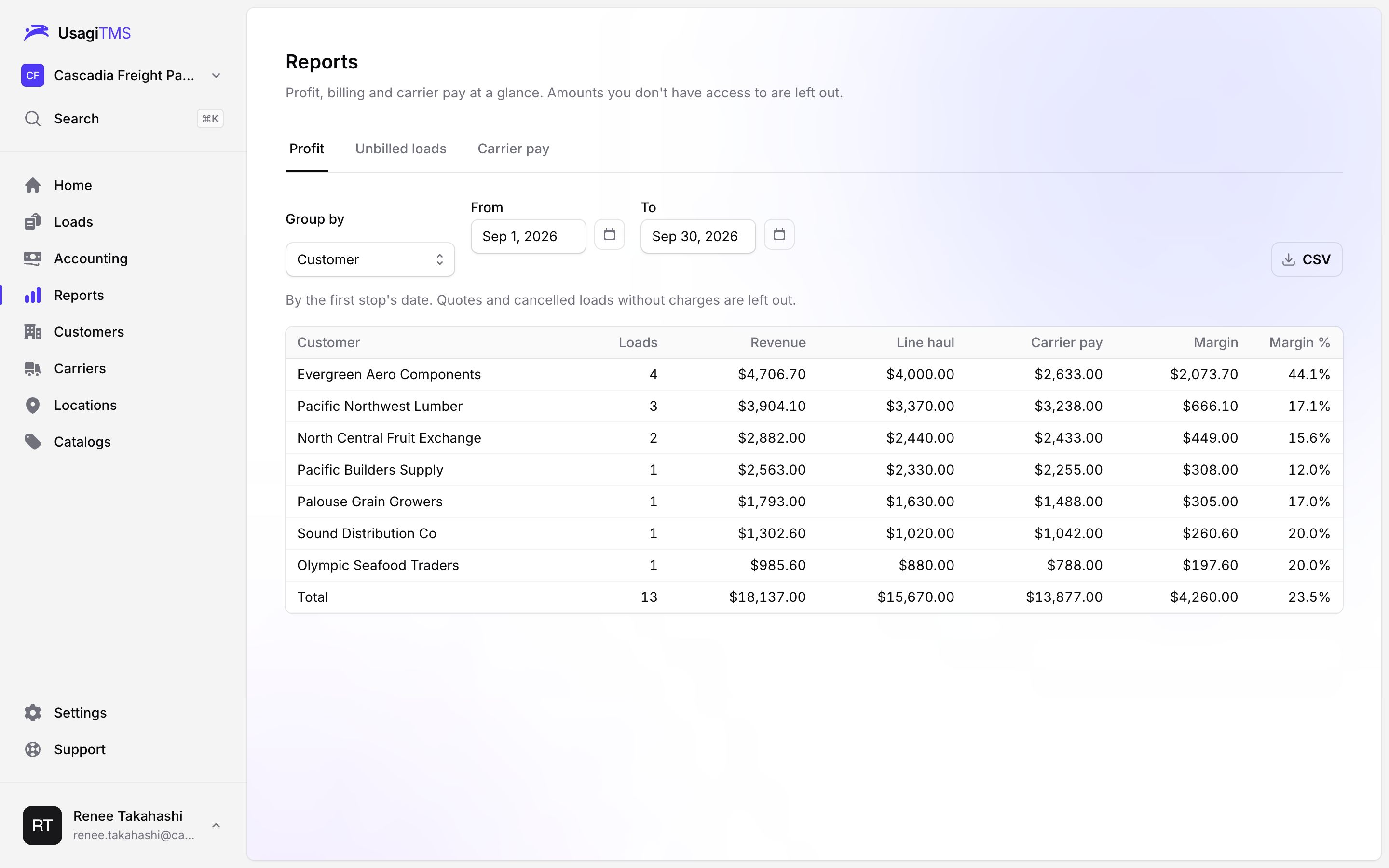
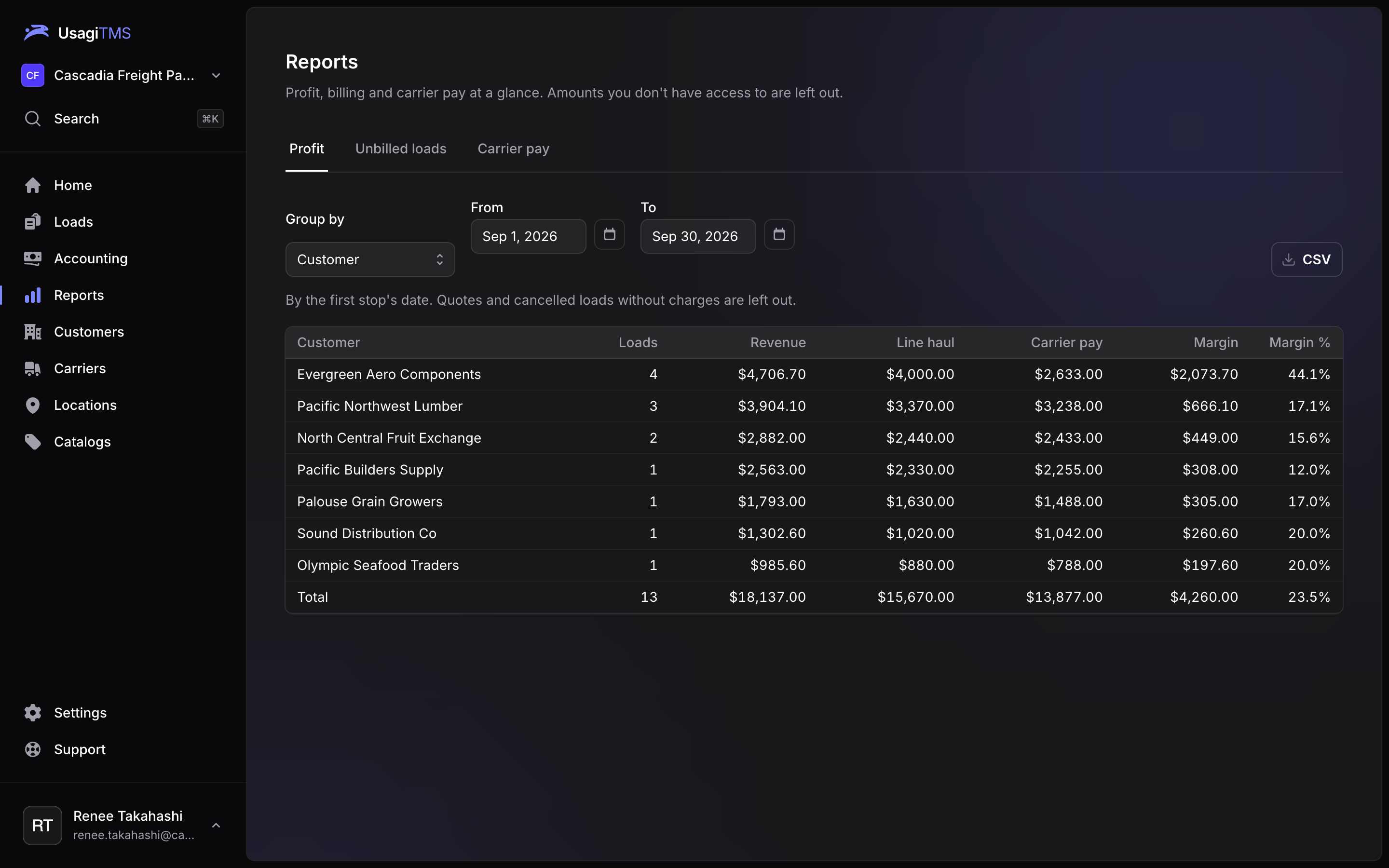
Know your margin on every customer, carrier and lane.
Profit by customer, carrier or month, plus what's delivered but not billed and what's owed to carriers.
Carrier compliance
Catch carrier problems before they're on a load.
Insurance, authority and W-9s are checked every night. Expiring coverage and inactive authority show up on Home, not after a claim.
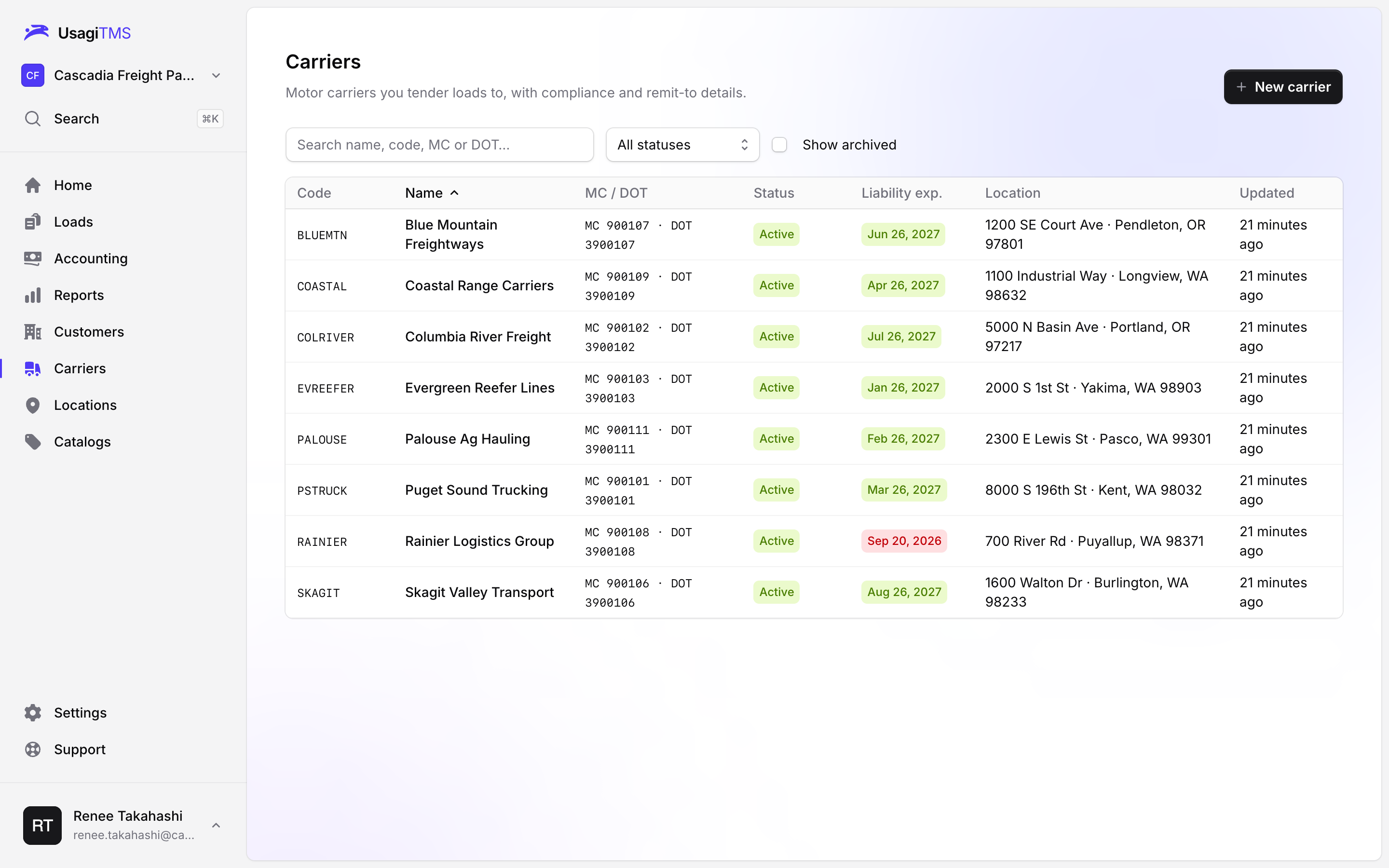
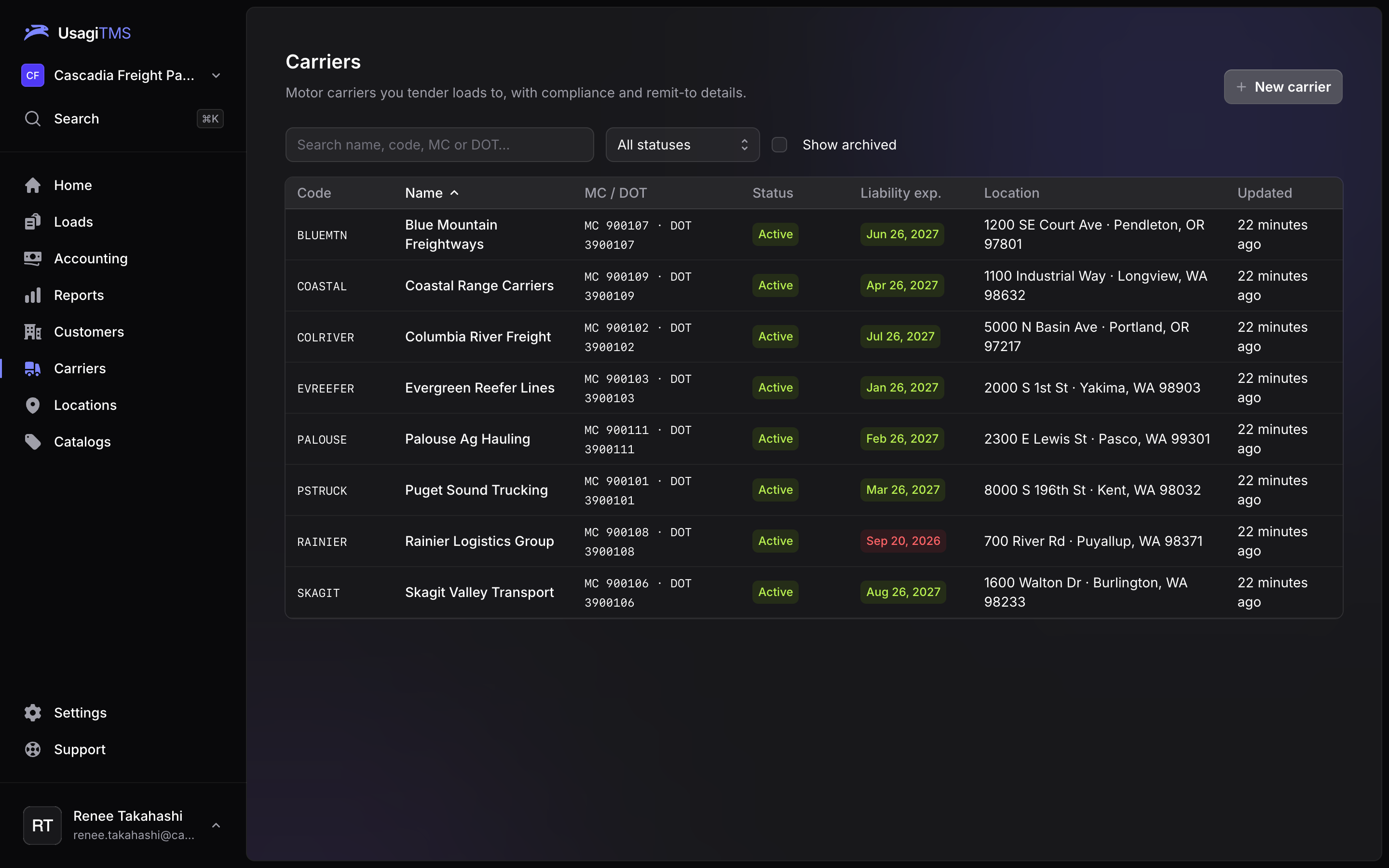
Built for speed
Move at the speed of dispatch.
Search anything with ⌘K, jump around with keyboard shortcuts, and type dates like a pro: 0 is today, 1008 is October 8.
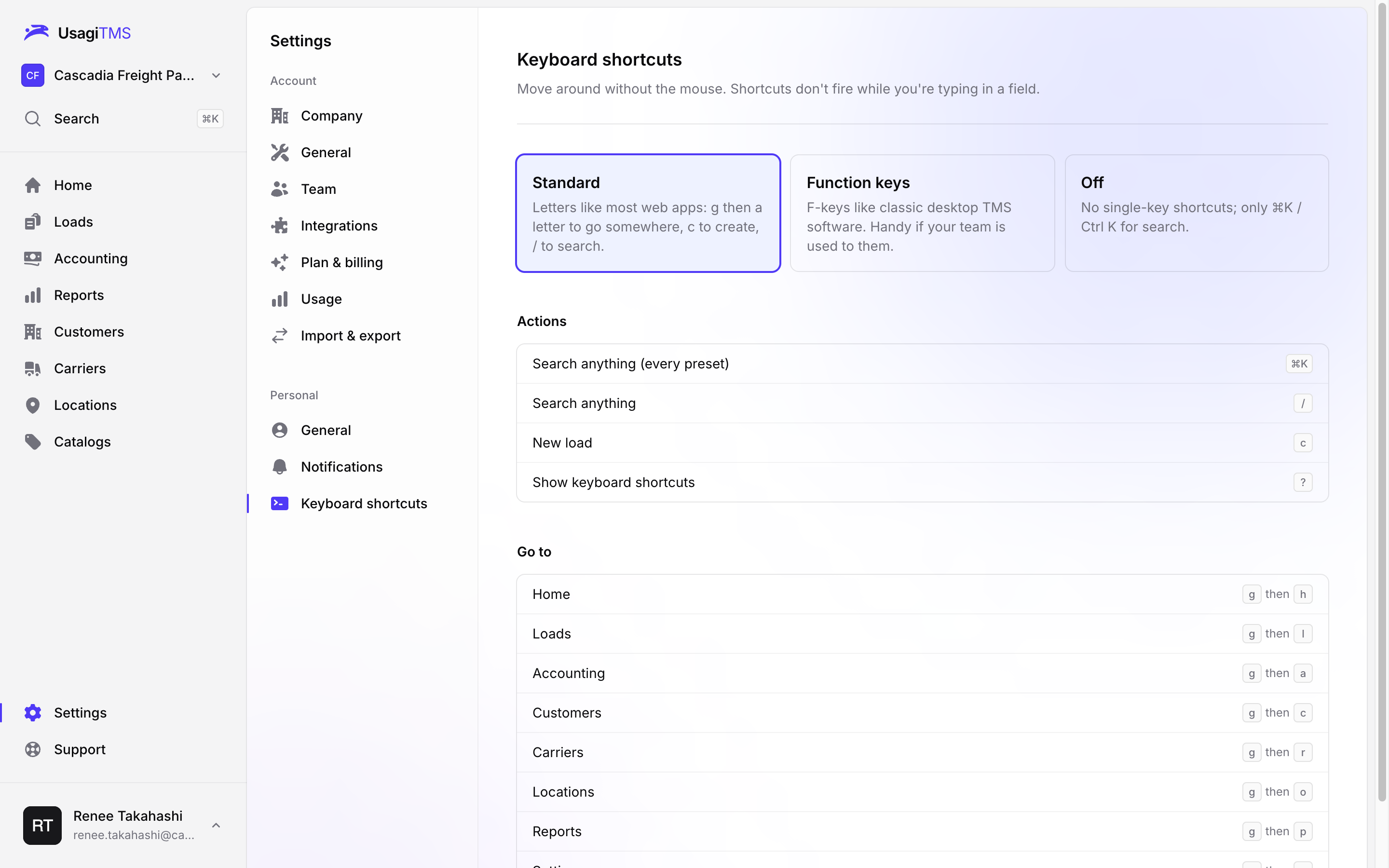
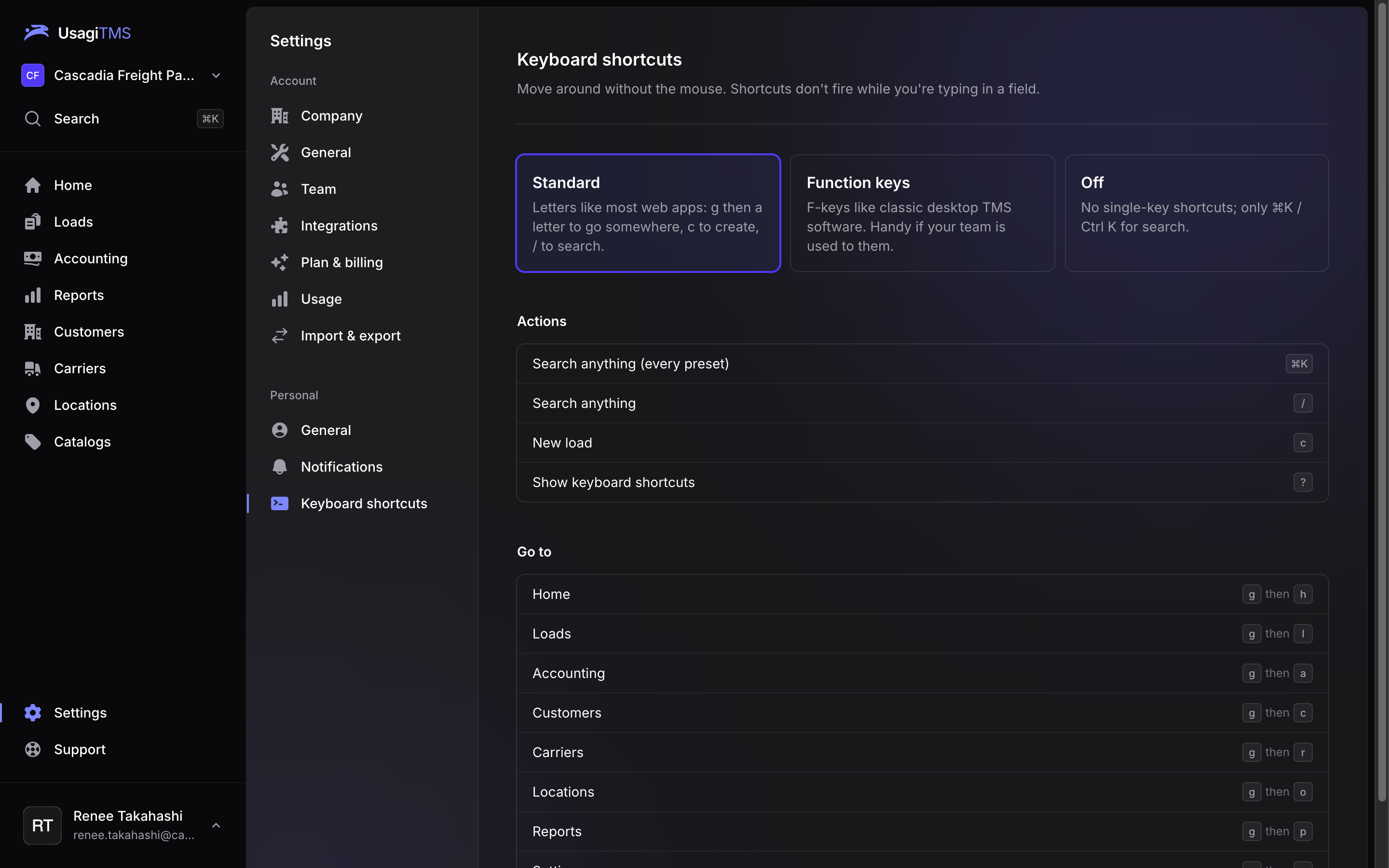
Know your margin on every customer, carrier and lane.
Profit by customer, carrier or month, plus what's delivered but not billed and what's owed to carriers.
Catch carrier problems before they're on a load.
Insurance, authority and W-9s are checked every night. Expiring coverage and inactive authority show up on Home, not after a claim.
Move at the speed of dispatch.
Search anything with ⌘K, jump around with keyboard shortcuts, and type dates like a pro: 0 is today, 1008 is October 8.
Run your brokerage on Usagi
Try it free for 14 days. Bring your customers, carriers, locations and load history over with a spreadsheet.
Start your free trialSimple pricing, no per-load fees.
Every plan starts with a 14-day free trial. Change or cancel anytime.
Starter
Everything a small brokerage needs to book, cover, bill and settle.
$149/month
- 3 users included, $25 per extra user
- Loads, tendering and tracking
- Invoicing and carrier settlements
- Reports and carrier compliance
- 2,500 map lookups a month
- Email support
Growth
For growing teams: portals, load boards, the API and the mobile app.
$299/month
- 10 users included, $25 per extra user
- Everything in Starter
- Customer and carrier portals
- Load board posting
- Public API and driver app
- Single sign-on (SSO)
- 10,000 map lookups a month
- Email and chat support
Enterprise
Higher limits, every module, and the security reviews your customers ask for.
Soon
- 25 users included
- Everything in Growth
- EDI, fuel tax and maintenance
- Directory sync (SCIM)
- SOC 2 compliance
- Priority support, guided onboarding and data migration
Frequently asked questions
Can't find what you're looking for? Start a trial and ask us from inside the app.
How does the free trial work?
You get 14 days with everything in your plan. A card is required to start, and you won't be charged if you cancel before the trial ends.
Can I bring my data over?
Yes. Import customers, carriers, locations and past loads from a spreadsheet. Carriers are matched on MC and DOT number, so duplicates merge instead of piling up.
Do my carriers need an account?
No. Carriers get a link with the rate confirmation and can accept or decline from their phone, no sign-up needed.
What if we add people?
Each plan includes a number of users. Extra users are $25 a month each, and we never lock anyone out mid-month for going over.
What happens if a payment fails?
Nothing is deleted. After a grace period (3 days on a trial, 14 days on a paid plan) the account becomes read-only until billing is fixed, and you can still export everything.
Does it work with our accounting?
Usagi keeps its own receivables and payables, and can send invoices and carrier bills to QuickBooks Online.
Is our data kept separate from other companies?
Yes. Every company's data is isolated at the database level, not just in the app. Growth adds single sign-on, and Enterprise adds directory sync and SOC 2.
Can we run more than one company?
Yes. One sign-in can belong to several companies, each with its own plan, team and data, and you switch between them in a click.
Is it fast to use all day?
That's the point. Search anything with ⌘K, pick a keyboard shortcut preset that matches the TMS you're used to, and type dates and times in shorthand.